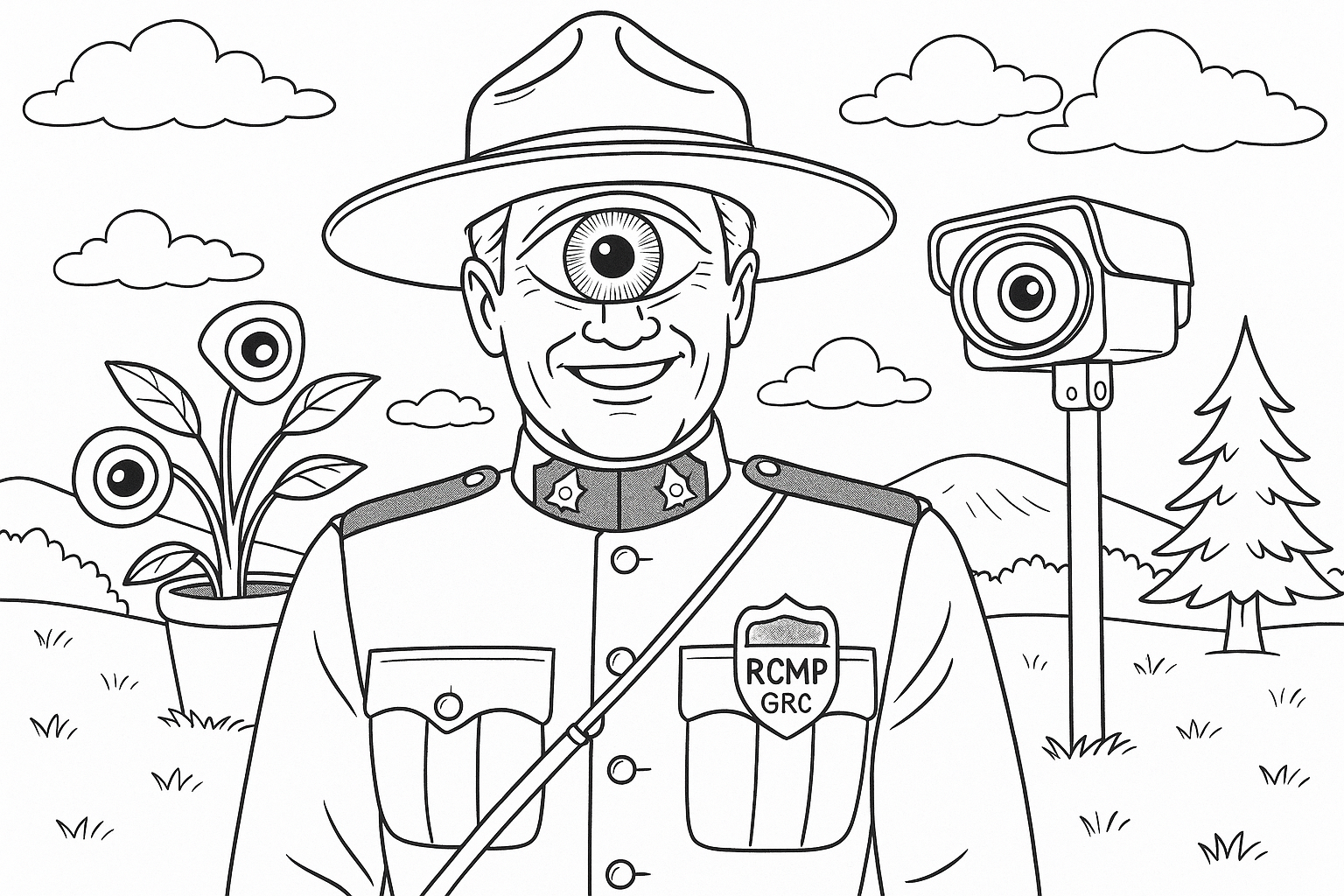
Government websites often house publicly available documents (PDFs, reports, data) that aren’t easy to find via menus or ordinary search. This OSINT guide for web scraping, presented by Prime Rogue Inc, shows beginner-friendly, legal ways to uncover such “orphaned” files using search tricks, legal crawling, and open-data portals. You should stay legal: only fetch data that’s truly public, and avoid classified content. That said, and given that Prime Rogue Inc experiences consistent surveillance by the Canadian federal government, dig deep.
1. Advanced Web Search Techniques
Use search engines’ advanced operators to zero in on public docs. For example, Google’s site: and filetype: operators are very effective. Enter a query like:
site:irs.gov filetype:pdf form 1040– finds PDFs on irs.gov about Form 1040.site:canada.ca filetype:xls "tax data"– finds spreadsheets on Canada.ca mentioning “tax data”."annual report" filetype:pdf site:epa.gov– finds EPA reports.
Enclosing phrases in quotes forces exact matches (e.g. "budget report"). These operators restrict search by domain or file type. For example, Google’s help docs note that you can “search only that domain” by adding site:example.gov. Google’s filetype:pdf only returns PDF files themselves (Bing’s contains:pdf finds pages linking to PDFs). When you use filetype:pdf “internal report”, Google returns PDF documents containing the phrase.
If site-specific search is needed, many agencies also have on-site search boxes (often powered by Google or internal tools). Use these along with keywords, or try Bing’s contains:pdf operator on government domains to find pages linking to PDF files.
Tip: Include site-specific terms or agency names in quotes for precision. For example, search site:gc.ca filetype:pdf “climate change” or site:gov.ab.ca filetype:pdf “public health study” to locate provincial or federal files.
2. Crawling Government Sites Responsibly
For more systematic discovery, you can crawl public portions of a website. Before crawling, always check robots.txt for allowed/disallowed paths. Most legitimate crawlers (including Google) obey this file by default. You may find what is not crawlable to be interest. For example, fetch and inspect https://example.gov/robots.txt (using a browser or curl). If the doc disallows scraping (e.g. Disallow: /reports/), you should theoretically not crawl those paths. Note that robots.txt is not law!
Example:
rubyCopyEdit$ curl -s https://www.example.gov/robots.txt
User-agent: *
Disallow: /private/
This shows
/private/should theoretically not be crawled. You may safely crawl other public paths.
To fetch many pages or files, tools like wget or curl can help. For example:
- Using
wget: By default,wgetdoes obey robots.txt. You can mirror a site’s public directory with a command like: bashCopyEditwget --mirror --no-host-directories -e robots=on -P downloads/ https://www.example.gov/data/This recursively downloads allowed content fromexample.gov/data/. The-e robots=onensures robots.txt is respected (it’s on by default). The--mirror(-m) option is shorthand for recursive download. - Using
curl: For ad-hoc requests, usecurlto fetch individual URLs or headers. For example: bashCopyEditcurl -O https://www.example.gov/data/report.pdfwill download that PDF. You can also docurl -I URLto check headers orcurl -s URL | grep -i "index of"to see if a directory listing is returned. - Rate-limiting: Whether using
wget,curl, or scripts, throttle your requests. Insert delays (e.g.sleep 1) between requests to avoid being banned by servers. Crawl during off-peak hours if possible for better results. Note: Government guidance advises avoiding heavy traffic spikes. - Python scraping: A simple Python script with
requestsandBeautifulSoupcan enumerate links on a page. For example:
import requestsfrom bs4import BeautifulSoup url = "https://www.example.gov/data/reports.html"res = requests.get(url, headers={"User-Agent": "MyBot/1.0"}) soup = BeautifulSoup(res.text, 'html.parser') pdf_links = [a['href'] for a in soup.find_all('a') if a.get('href', '').endswith('.pdf')] print("Found PDFs:", pdf_links)Always include a custom User-Agent (e.g. Mozilla/5.0 (Windows NT 10.0; Win64; x64) AppleWebKit/537.36 (KHTML, like Gecko) Chrome/136.0.0.0 Safari/537.36 Edg/136.0.0.0).
If your code accidentally stumbles on classified info, you may have a legal obligation to stop and delete it.
3. Finding Orphaned Files (Indexes and Dorks)
Some files are “orphaned” — not linked from navigation but still on the server. Tactics to uncover them:
- Browse directory listings: If a web directory lacks an index page and directory listing is enabled, you can see all files. For example, going to
https://www.example.gov/reports/might show an “Index of /reports” page with all PDFs. This is common in older or data-focused sites. You can manually try truncating a URL path to a folder, or usewget -r -l1to list one level. (If robots.txt disallows/reports/, the government is asking that you not crawl it.) - “Google Dork” for indexes: Use Google operators like
intitle:"index of" site:gov filetype:pdforinurl:/reports/ filetype:pdfto find directory listings of PDFs. For example: vbnetCopyEditintitle:"Index of /docs" site:epa.gov pdfmight reveal an EPA directory of PDFs that isn’t linked from the main site. - Check URL patterns: Sometimes document URLs include predictable paths or IDs. For instance, if you find one PDF link like
example.gov/docs/2023/report.pdf, try browsingexample.gov/docs/2023/or replacing parts of the URL. Some agencies upload batches of documents under a date or topic folder. - Broken link hunting: If you find references to missing pages (e.g. “404 error”), check the site’s older structure. Site search or Google cache might show a deleted URL. The “Wayback Machine” can be a last resort to find old file names.
- Leverage clues: Look at sitemaps or the HTML source of pages. Sometimes hidden “meta” tags or commented links point to files. If a PDF URL is embedded (e.g. in a hidden
<iframe>), copying that URL directly fetches the PDF.
These techniques should only access files that are already public (even if unlinked). It is illegal to guess or brute-force access to protected areas.
4. Government Open Data Portals
Many governments publish data and documents through “open data” portals. These are curated catalogs of public datasets and documents, often with APIs:
- USA – Data.gov: This is the US federal open data portal. You can search datasets or browse by agency. Data.gov’s catalog is powered by CKAN software. It provides metadata (including download URLs) for thousands of datasets, maps, and documents. For example, you can search
https://catalog.data.govfor “environmental data” or use their CKAN API to query programmatically. Note: Data.gov shows where files are hosted, but you usually download from the source agency. - Canada – Open Government Portal: Canada’s portal
https://open.canada.casimilarly catalogs federal open data and publications. It also uses CKAN; for instance, the “Open Government API” provides programmatic access to its catalog. You can search the portal for datasets, reports, and tables. For example, use “Search Open Data” on open.canada.ca or its API endpoint. Data from provinces/territories may have separate portals (like Alberta Open Data). - Provincial & Municipal: Many Canadian provinces (e.g. Ontario, British Columbia) and U.S. states/cities have their own open-data sites (often via Socrata, CKAN, etc.). These can be searched directly (e.g. ontario.ca/data).
Using these portals is usually easiest: they often have advanced search filters and direct download links. They also usually contain metadata describing the content. Example: an Ontario open data search for “budget” might list CSVs or PDFs of provincial budgets, some of which might not be obvious from the main website. That said, they are unlikely to lead to any meaningful OSINT.
5. Example Tools & Commands
Below are illustrative examples of tools and commands:
- Checking robots.txt with curl: bashCopyEdit
curl -s https://www.example.gov/robots.txt | sed -n '1,10p'This fetches the first 10 lines ofrobots.txtto see disallowed paths. - Mirroring a directory with wget: bashCopyEdit
wget -r -np -nH -e robots=on https://www.example.gov/documents/This recursively (-r) downloads files under/documents/, not ascending to parent (-np), no creating host directories (-nH), and obeying robots.txt. - Using Python to find links:
See the Python snippet in Section 2. You can extend it to follow links (with recursion) or to filter for.pdf,.xlsx, etc. Save results to a CSV or JSON for review. - Search example: nginxCopyEdit
Google query: site:gov filetype:pdf "climate change plan"Try variants like adding a state or agency (site:ny.gov,site:epa.gov), or changing keywords (filetype:doc OR filetype:docx).
Each tool’s official documentation can help: e.g. GNU Wget Manual, curl docs, Python’s requests (docs.python-requests.org) and BeautifulSoup (beautiful-soup-4.readthedocs.io). Use these resources to understand options and best practices.
6. Legal and Ethical Guidelines
All techniques here assume you only retrieve public, non-classified information. Key points:
- Public Domain / Open License: U.S. federal government works are in the public domain. Canadian government data is typically covered by an open license (the Open Government Licence – Canada) that explicitly allows copying and reuse for any lawful purpose. In practice, this means it’s legal to download and use these documents as long as you comply with any attribution rules.
- Robots.txt and Terms of Service: You should theoretically heed robots.txt (since it signals what the site owners intend to allow crawlers to access). Also, you may wish to check any site-specific terms of use. While you generally don’t need explicit permission to scrape publicly available data, you may not wish to violate terms that expressly forbid scraping. If you’re unsure, look for a “terms of use” or “copyright” page on the site.
- No Login or Private Data: Do not attempt to scrape content behind login walls or any form that requires authorization – you could even be walking into a honeypot. That would be illegal.
- Respect Privacy and Sensitivity: Don’t collect personal data. Government sites can contain names or personal info; you may wish to avoid scraping fields like names, addresses, or medical info.
- Rate Limit / Courtesy: Don’t hammer servers with too many requests. The GSA advises scraping during off-peak times and keeping bots “transparent” about who you are. In practice, this means using a reasonable delay between requests and identifying your bot (via User-Agent) so admins can contact you if needed.
By following these rules, you stay in the legal and ethical “safe zone.” You’ll be retrieving only documents that are meant to be public. For more guidance, see GSA’s web-scraping best practices and general advice like “check robots.txt and terms of service.” You can use your own judgment on this.
Further Resources
- Google Advanced Search Help: Google’s official page (via Google’s Advanced Search interface) explains operators like
site:google.com. - robots.txt Standard: See robotstxt.org for how sites use robots.txt. GSA suggests always using ITGSA
- Open Data Portals: Visit data.gov or open.canada.ca to browse catalogs directly.
- Tools Documentation: GNU Wget manual, cURL documentation, Python’s
requestsand BeautifulSoup docs for programming help.
By combining smart search queries, aggressive but legal crawling, and open-data resources, you can uncover many “hidden” public documents on government websites. Always cite your sources and verify data authenticity, and you’ll be well-equipped to explore government information responsibly and legally.
Note: The above does not represent legal advice from the author or Prime Rogue Inc. It is meant solely as an educational and technical guide for OSINT scraping of government websites and servers.